Reordering data quality steps
Updated 27 March 2026
You can change the order in which data quality steps in a model are applied, in reaction to changes in requirements.
Procedure
-
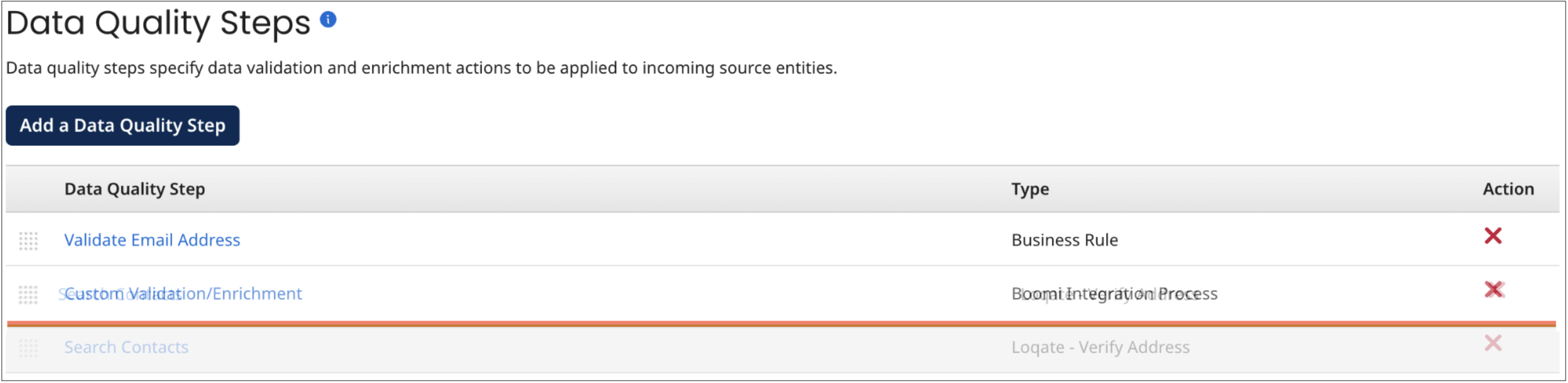
In the Data Quality Steps tab, drag and drop reorder icons
 for data quality steps until they are in the desired order.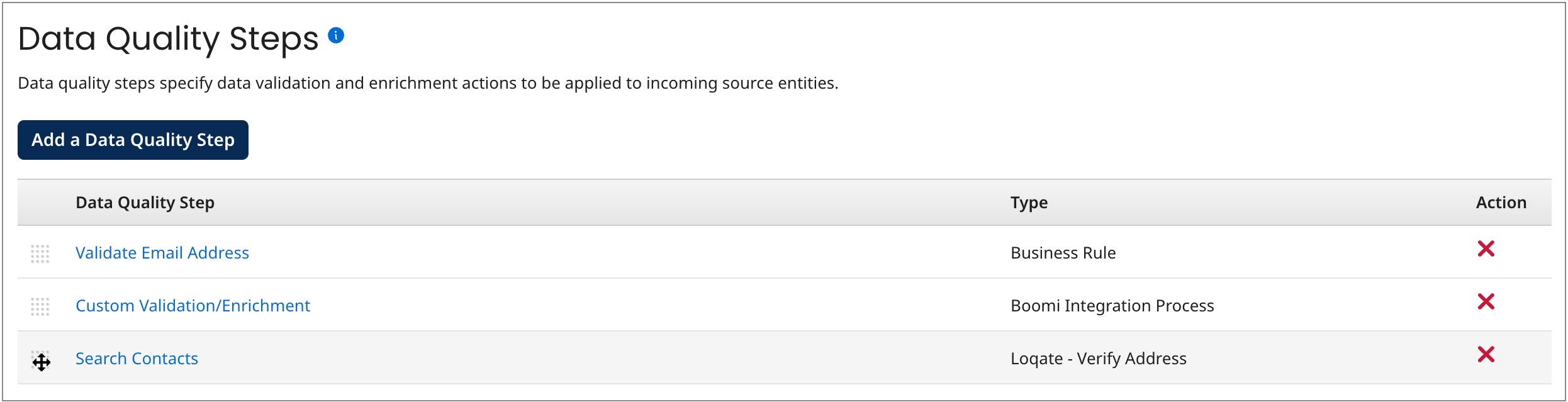
As you drag a reorder icon, a dashed horizontal line dynamically shows the position into which the data quality step would be moved if you were to drop the icon at the pointer location.